Environment
-
Device: Datalogic [Memor 35 / 35X]
-
Android version: [Android 15 /3.16.008.20251216s ]
-
Management: In-house EMM platform / Device Policy Controller (Device Owner, fully-managed device)
-
TeamViewer Host:
com.teamviewer.host.market— v15.79.177 (installed from Google Play, latest) -
TeamViewer Datalogic add-on:
com.teamviewer.quicksupport.addon.datalogic_1— v15.70.9132 (latest available on Google Play)
Problem
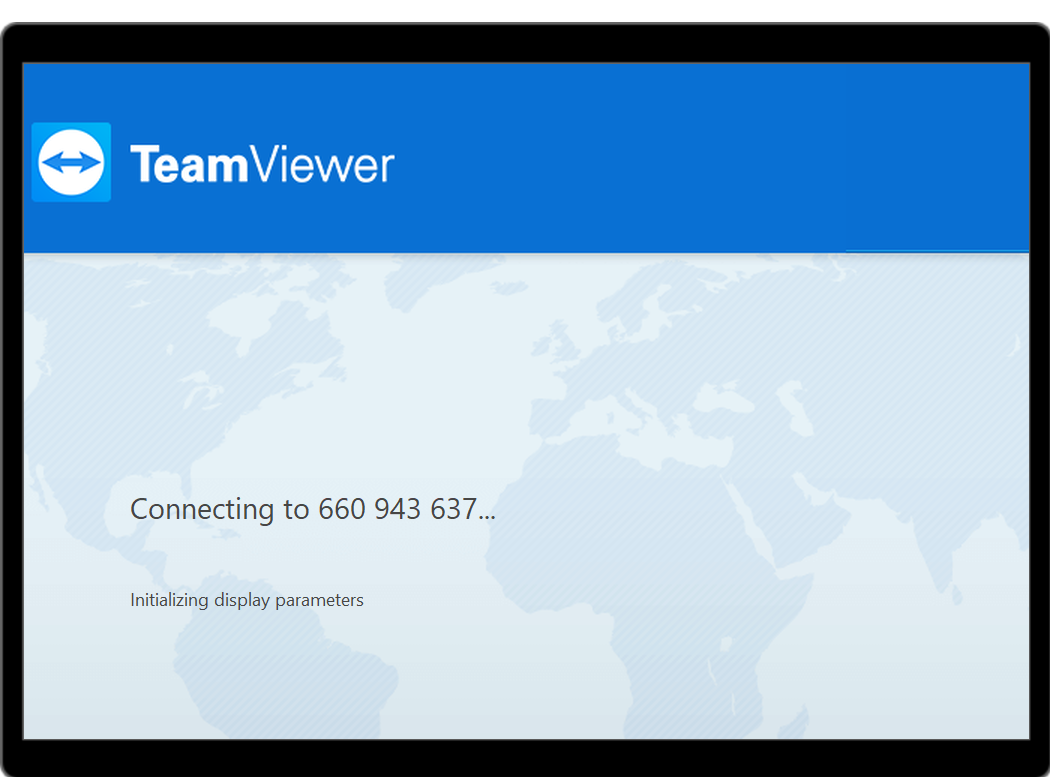
When a technician starts an unattended remote-control session to the device, the connection establishes (correct TeamViewer ID, session negotiates), but the technician’s screen hangs indefinitely on “Connecting… Initializing display parameters” — the device screen never renders and no remote control is possible.
What we have already verified / ruled out
-
Add-on is installed and has been granted all of its declared permissions via the Datalogic AppManager SDK, including the capture/injection permissions:
ACCESS_SURFACE_FLINGER,READ_FRAME_BUFFER,CAPTURE_VIDEO_OUTPUT,INJECT_EVENTS. -
Host is installed and granted
SYSTEM_ALERT_WINDOW,SCHEDULE_EXACT_ALARM,MANAGE_EXTERNAL_STORAGE, etc. -
Screen capture is NOT disabled by device policy —
adb shell dumpsys device_policyshowsScreen capture disallowed users: [](i.e. capture is allowed). -
TeamViewer provisioning/assignment succeeds — the device obtains a rollout key, the MDM provisioning API returns SUCCESS, and it reports a valid TeamViewer ID.
-
The failure is only in the display/screen-capture stage — connection and assignment are fine.
Suspected root cause
There is a version mismatch between TeamViewer Host and the Datalogic-specific add-on: Host is on 15.79.x while the newest Datalogic add-on published to Google Play is 15.70.9132. TeamViewer requires the OEM add-on to match the Host/QuickSupport version; a minor-version drift produces exactly this “Initializing display parameters” hang while everything else works.
The core problem for an enterprise deployment: Google Play only serves the latest version of each app. Host auto-updates to 15.79.x, but the Datalogic add-on has not been updated past 15.70.9132, so the two can never be aligned through Play — and we cannot downgrade Host to 15.70.x through the Play/managed-Play pipeline.