How to disable the on screen keyboard in Scan2Deploy ?
Is there a script for it ?
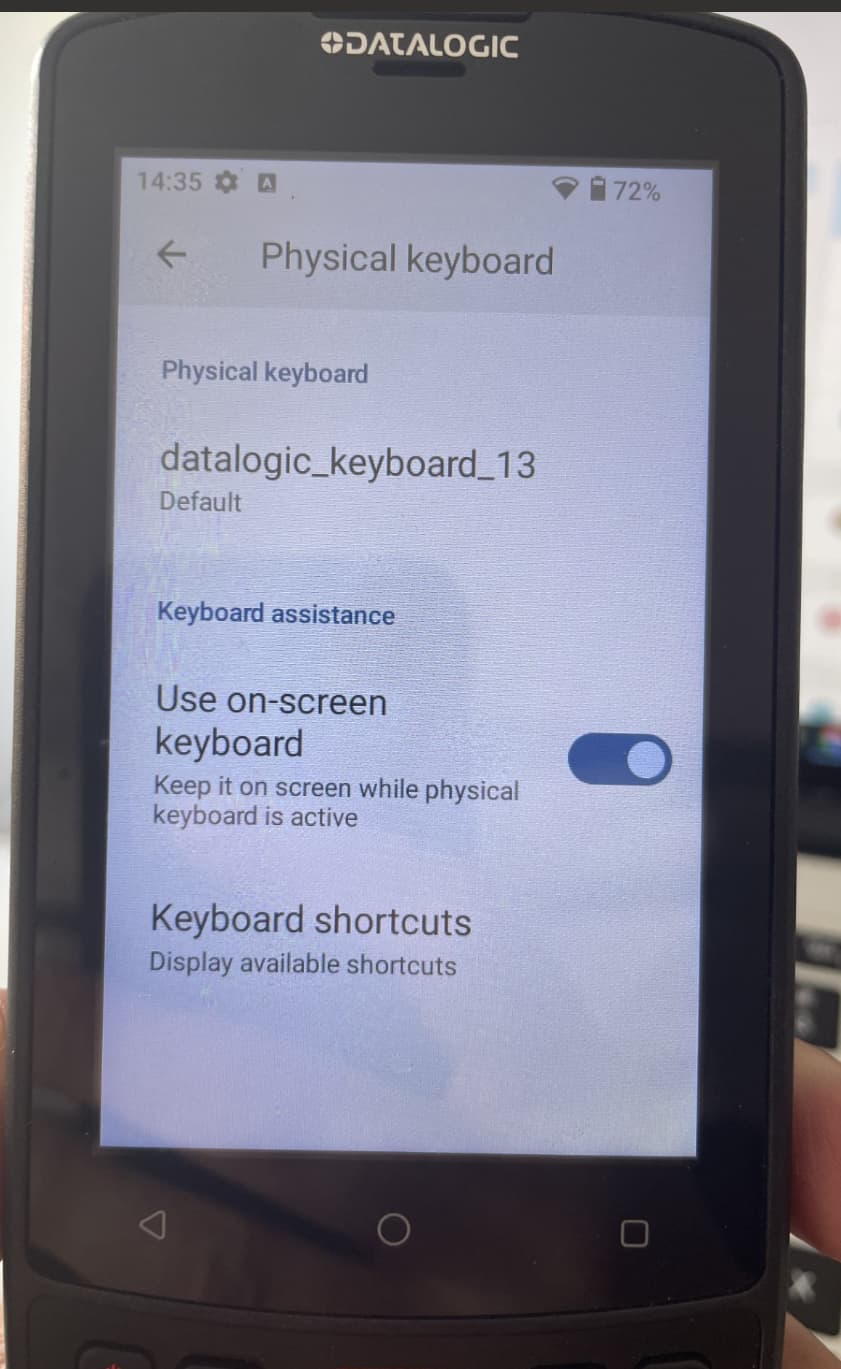
Please see attached picture.
Picture is from Settings/System/Language & input/Physical keyboard.
How to disable the on screen keyboard in Scan2Deploy ?
Is there a script for it ?
Please see attached picture.
Picture is from Settings/System/Language & input/Physical keyboard.
Hi @Thomas_Svensson,
You’re question was already solved via a case/e-mail. But for people running into the same question here is the answer provided to you.
Updating the Memor K to the 1.02.06 disables the automatic appearance of the virtual keyboard.
In addition I send you a Scan2Deploy barcode (see below) that is disabling the possibility for a user to turn it back on via the navbar.
Gr Peter