Dear Team Datalogic,
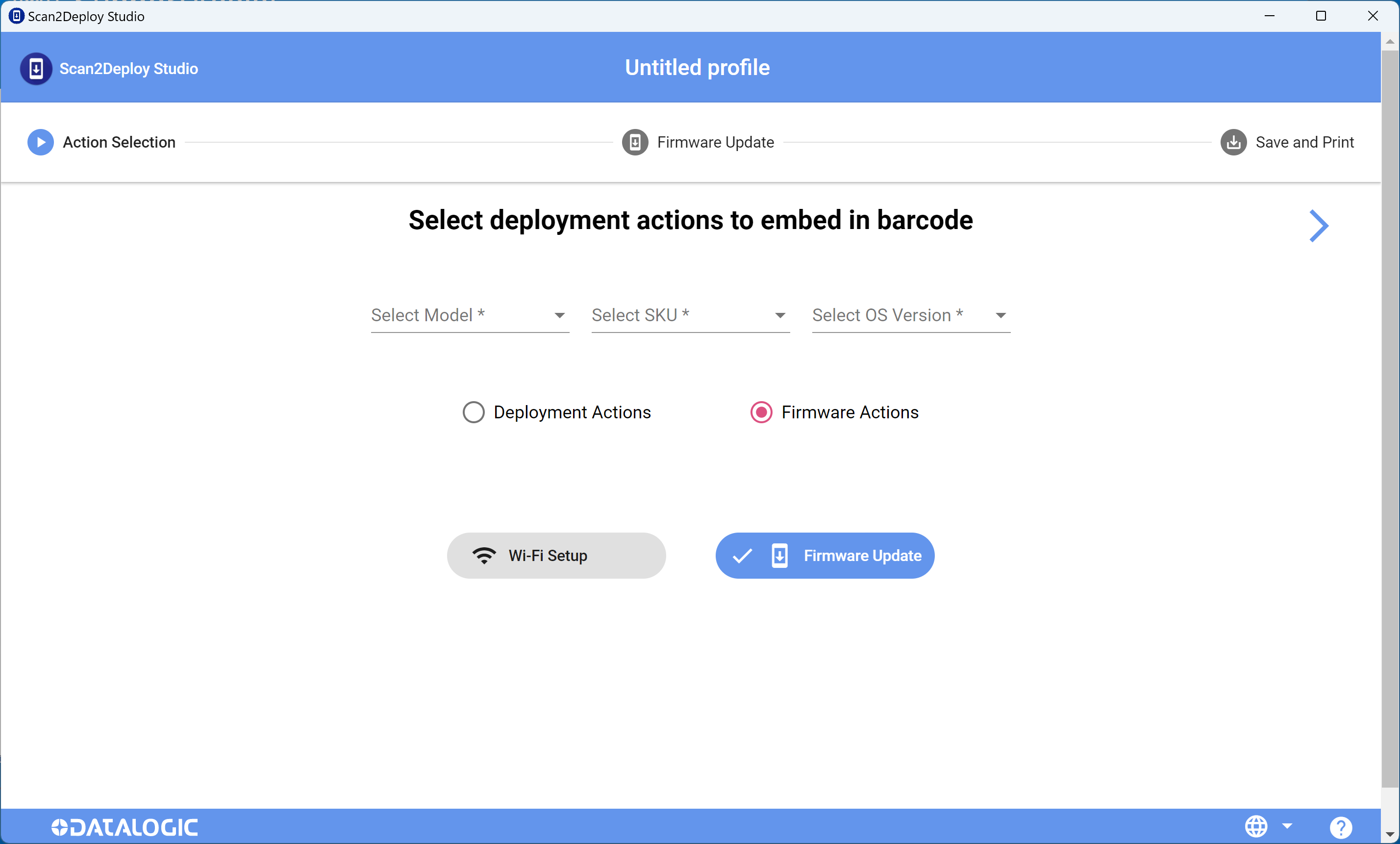
We’ve downloaded and setup Scan2Deploy, however it doesn’t list any Models, SKU’s or OS versions to select. Are we missing something in the setup?
Many thanks,
Paul
Dear Team Datalogic,
We’ve downloaded and setup Scan2Deploy, however it doesn’t list any Models, SKU’s or OS versions to select. Are we missing something in the setup?
Many thanks,
Paul
Hello @Leendert_Paul_Diterw,
This is really odd behavior that we have not run into before.
We are working with developers of this tool to investigate the issue.
We will get back to you as soon as we have more information.
Drew Hugentobler
L3 Mobile Computer Specialist Support Engineer
Hey @Leendert_Paul_Diterw,
The developers of Scan2Deploy also haven’t seen this problem before, but it seems like this would be caused by some issue on Studio side. If you haven’t yet, try exiting Scan2Deploy from the taskbar and restarting.
Hello @Leendert_Paul_Diterw
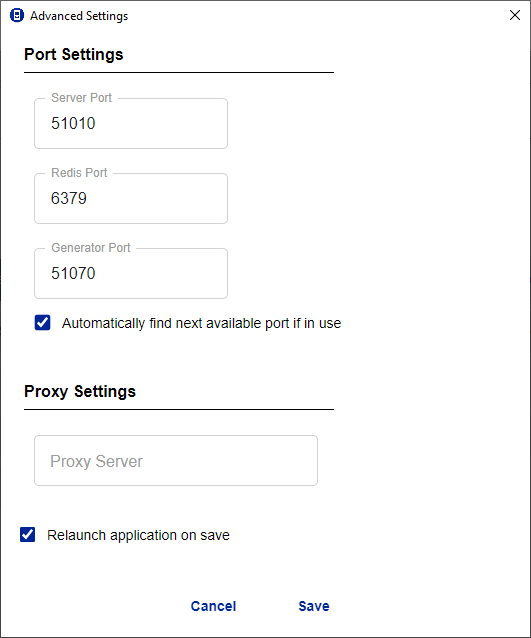
Scan2Deploy Studio is a local client-server application consisting of multiple components and services that require three different network ports to communicate with each other.
The advanced section of the Scan2Deploy Studio online help explains these parameters:
vedi Scan2Deploy Studio | Technical Documentation
Check that these ports are open on your workstation and that there are no firewalls or antivirus programs blocking them.
If you are unable to resolve the issue, you can contact our technical support team by filling out this form:
Regards
Simone Callegari
SW Engineer - Mobile Computers L3 Support | Datalogic